A family new to town needs a dentist who accepts their insurance, sees children, and has Saturday hours. They will likely check a map listing first, then look at a few other sites to compare practices before booking.
For dental offices, that research process means your Google Business Profile and your directory listings work as a team. Each one answers part of the patient’s question.
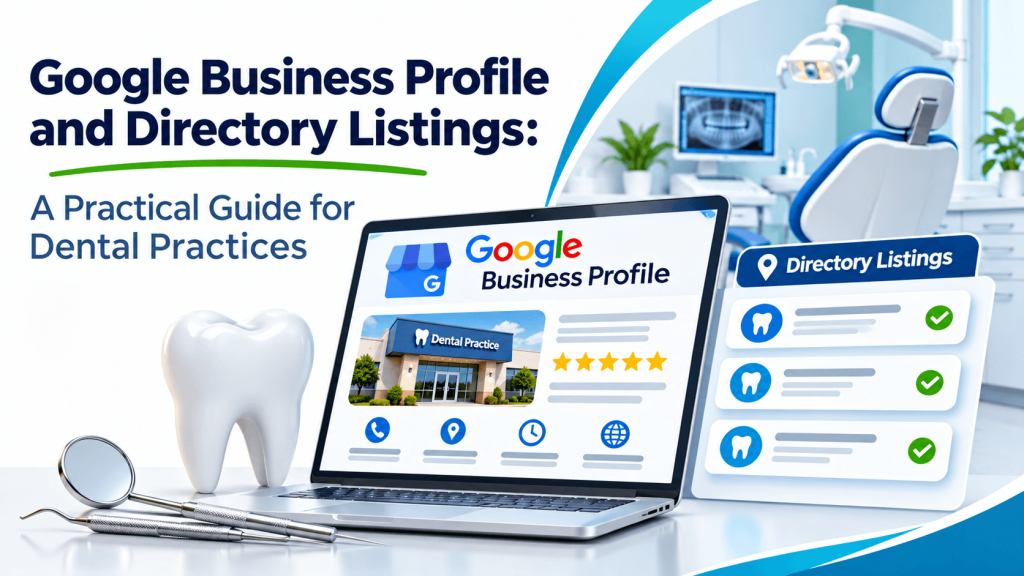
Make Your Google Business Profile Complete
Your Google Business Profile is often the first thing a potential patient sees. Choose the most accurate primary category, such as “Dentist” or “Pediatric Dentist,” and add secondary categories only when they truly apply.
Fill in your hours, including holiday changes, plus your phone number, website, and appointment link. Add real photos of your office, staff, and treatment rooms. Google explains that local results are based mainly on relevance, distance, and prominence, so a complete and accurate profile helps it understand what you offer. Follow Google’s guidelines for representing your business to avoid problems such as keyword-stuffed names.
How Directory Listings Support Your Profile
Patients do not stop at one source. Many check a practice’s website, a couple of directories, and review sites before calling. When your address, phone number, and hours match everywhere, the practice looks organized and trustworthy.
Directories can also give you room to describe services that do not fit neatly into a map profile, such as sedation options, emergency appointments, or the languages your team speaks. A clear listing in the Dental Care category on The Zoom Listing shows your website, contact details, and hours alongside other local practices, which suits patients who like to compare before deciding.
Common Mistakes Dental Offices Make
The most frequent problems are simple ones: an associate dentist who left still has a public profile, a second location shares the main office’s phone number, or holiday closures never get posted.
Assign one staff member to review your profiles each quarter and after any change in providers, hours, or insurance networks. Answer patient questions and reviews politely, without sharing any protected health information in public responses.
Conclusion
A complete Google Business Profile and accurate directory listings will not guarantee new patients, but they make it easier for families to choose your practice with confidence. Start with Google, confirm your details on The Zoom Listing and other directories patients use, and keep everything updated as your practice changes.
Frequently Asked Questions
Should each dentist in our practice have a separate Google profile?
Google allows individual practitioner profiles in some cases, but they can compete with your main practice profile if they are not managed well. Many practices keep one strong practice profile and manage practitioner profiles carefully. Review Google’s current guidelines before creating or merging profiles.
Can we list the insurance plans we accept in directories?
Where a directory provides space for services or descriptions, listing major accepted insurance networks can help patients. Keep the list current, because outdated insurance information leads to frustrating calls. Your website should hold the most complete and up-to-date version, and directory descriptions can point patients there.
How should we respond to a negative patient review?
Respond briefly and professionally, thank the patient for the feedback, and invite them to contact the office directly. Never confirm that the reviewer is a patient or mention any treatment details, since that could expose protected health information under HIPAA rules.
Do photos really matter on a dental office profile?
Photos help nervous or new patients know what to expect. Real images of your waiting room, treatment areas, and team feel more reassuring than stock photos. Update them when you renovate or add staff so your profile reflects the office patients will actually visit.
How often should we update our listings?
Check them at least every three months and immediately after any change to hours, providers, phone numbers, or location. Holiday periods are a good reminder, because posting special hours prevents patients from arriving at a closed office. A shared calendar reminder keeps the task from slipping.